The Okta/Commercial Tribe SAML integration currently supports the following features:
For more information on the listed features, visit the Okta Glossary.
Login to Commercial Tribe as an administrator.
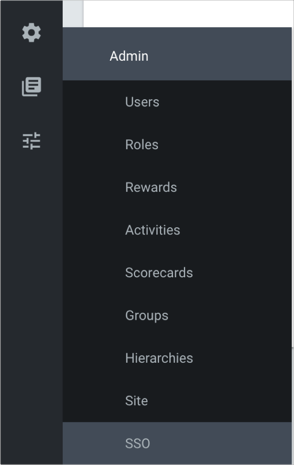
Navigate to Settings > SSO:
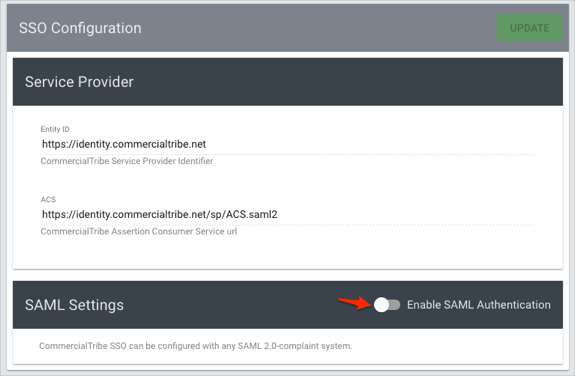
Check the Enable SAML Authentication button:
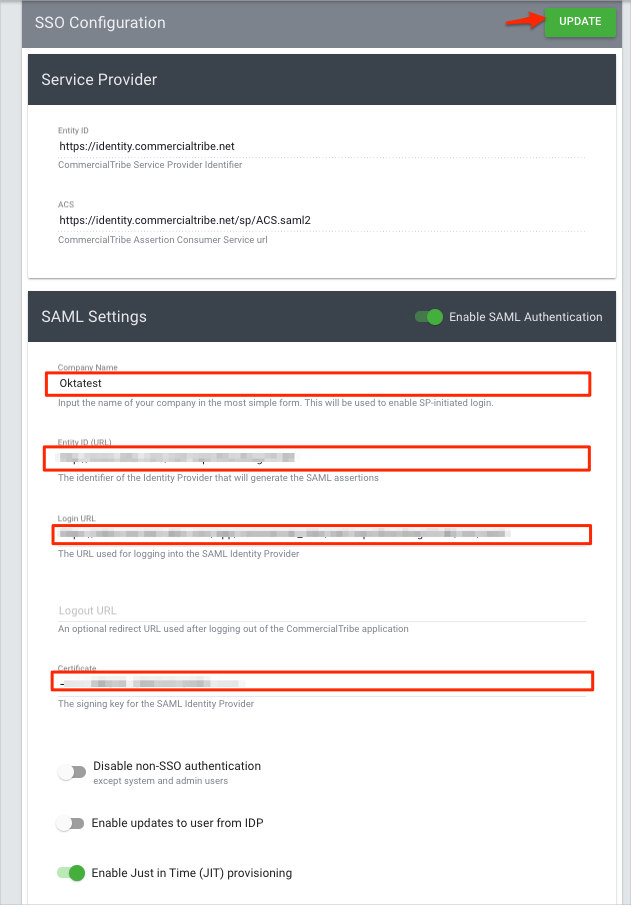
Enter the following:
Company Name: Enter your company name.
Entity ID (URL): Copy and paste the following:
Sign into the Okta Admin Dashboard to generate this variable.
Login URL: Copy and paste the following:
Sign into the Okta Admin Dashboard to generate this variable.
Logout URL (optional): Copy and paste the following:
Sign into the Okta Admin Dashboard to generate this variable.
Certificate: Copy and paste the following x.509 Certificate:
Sign into the Okta Admin Dashboard to generate this variable.
Optional: Check Enable Just in Time (JIT) provisioning.
Click Update:
Done!
The following SAML attributes are supported:
| Name | Value |
|---|---|
| username | user.userName |
| firstName | user.firstName |
| lastName | user.lastName |
| user.email |
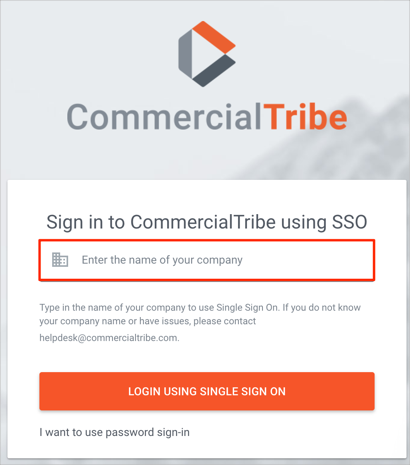
Enter your company name.
Click LOGIN USING SINGLE SIGN ON: